Structure of an SQL game (Version 1, outdated)
An SQL game has the file extension .xml and contains the following elements.
Game name
Teaser: a short description
Copyright notice
-
Database: either an SQL script with the extension
.sqlor an SQLite database with one of the extensions.sqlite,.sqlite3,.db,.db3,.s3dbor.sl3. Upload this file in the SQL Game Editor; it is then embedded in the game file and used by the game’s scenes. -
Game scenes: every game needs at least one scene. Four scene types are available:
Text scene A text scene displays information to the player. Clicking “Continue” advances to the next scene. It appears as follows in the SQL Game Editor.
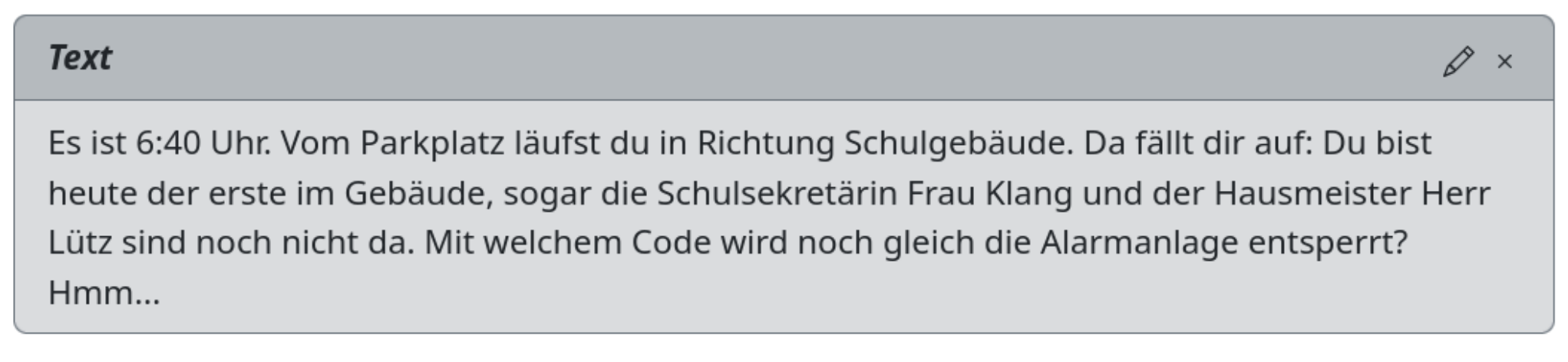
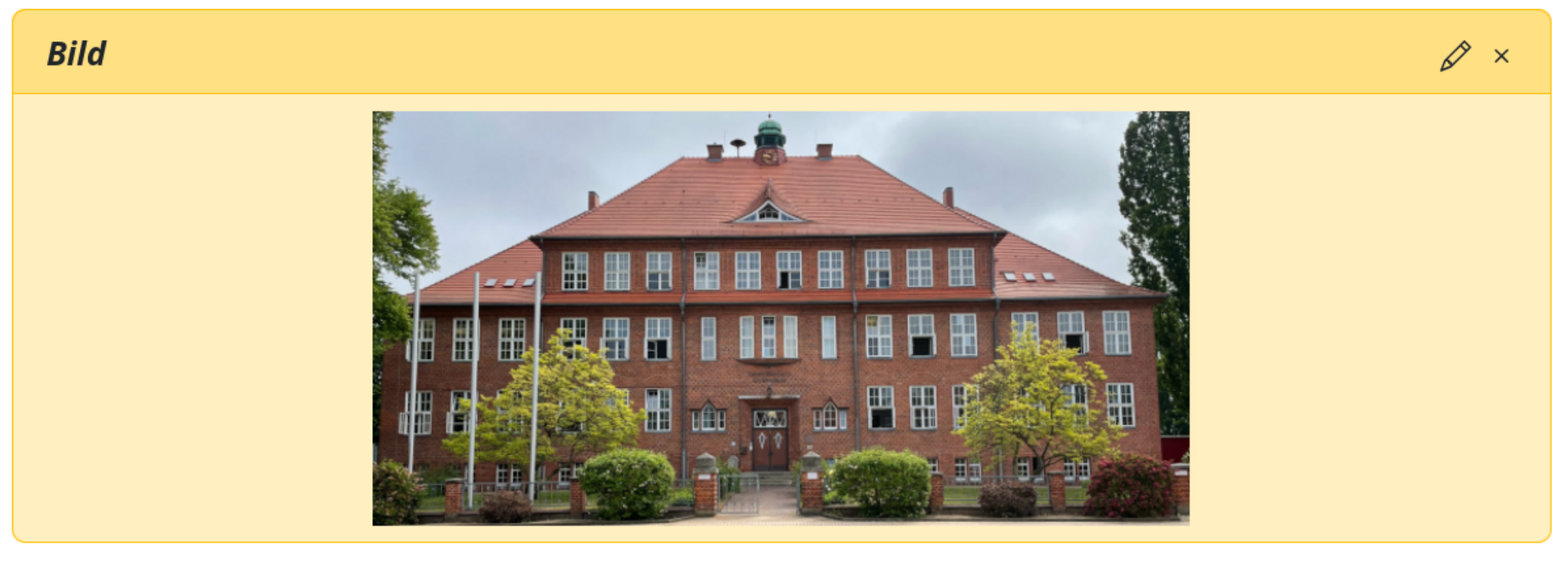
Image scene An image scene displays an image for information. Clicking “Continue” advances to the next scene. It appears as follows in the SQL Game Editor.
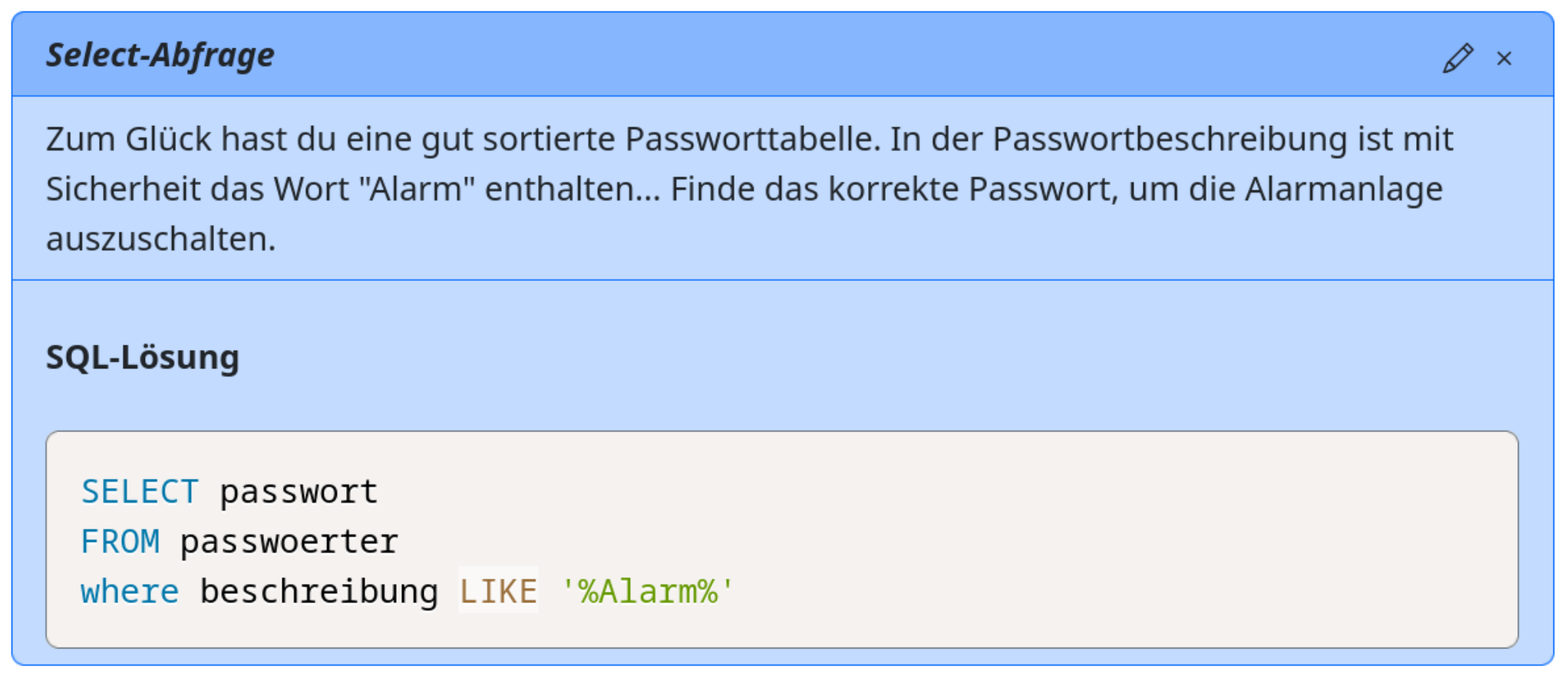
Select-query scene A select-query scene first displays a passage of text and then asks the player to enter an SQL query. The query’s result is compared with the result produced by the scene’s supplied solution. The editor can provide a placeholder such as
SELECT ... FROM instructorto give the player part of the query.Important: the queries themselves are not compared; their results are.
Three optional comparison settings are available and disabled by default:
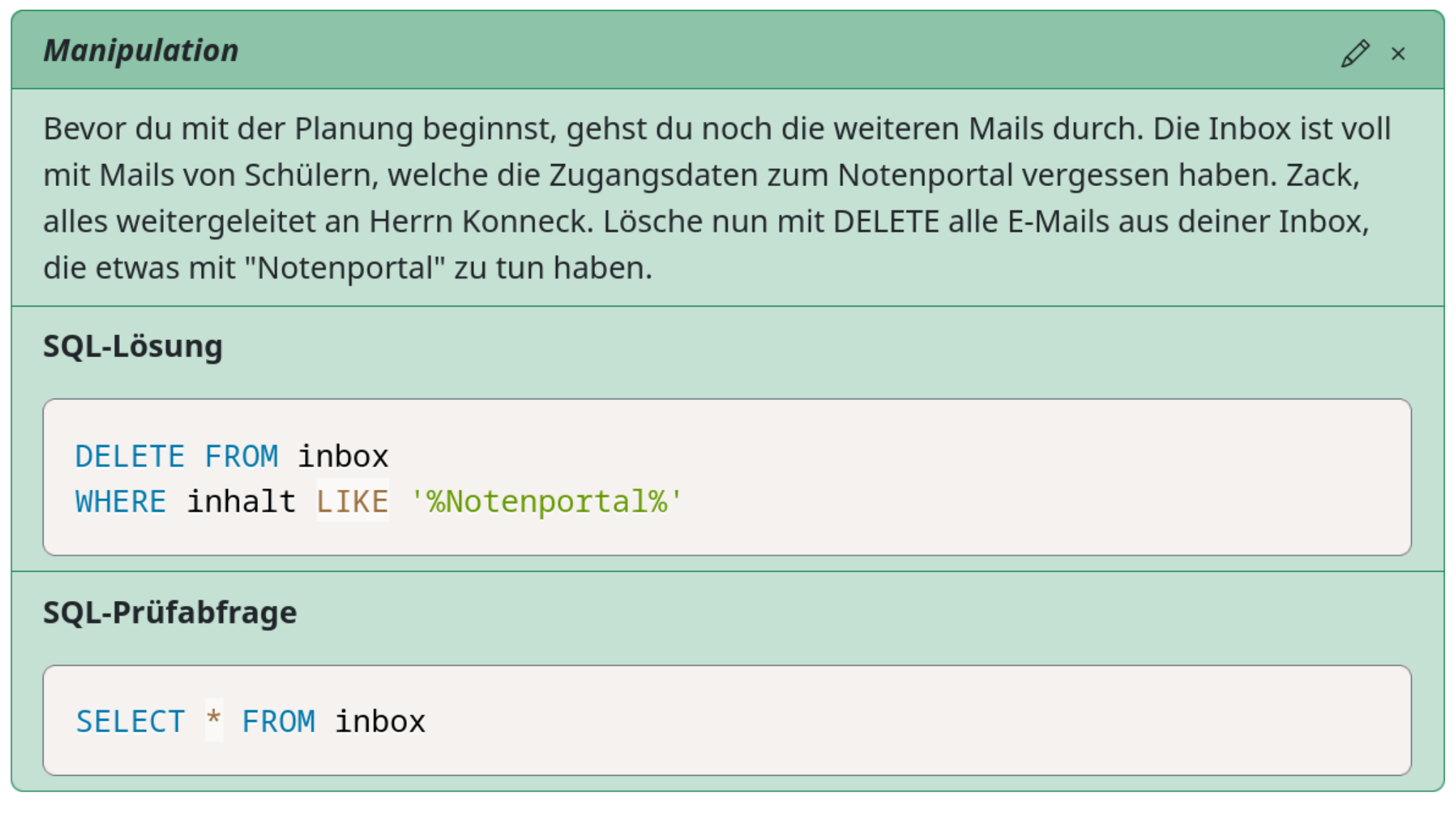
Rows: is order relevant to the solution? Enable this when the player is expected to sort the result with ORDER BY. Row order is then included in the comparison.Columns: is order relevant to the solution? Enable this when the order of columns in the result table matters. Columns: are labels relevant to the solution? Enable this when column labels matter—for example, when the player is expected to use an alias with AS.Manipulation scene A manipulation scene displays a passage of text and asks the player to enter an
INSERT,UPDATEorDELETEstatement. After the statement changes the database, a verification query supplied by the scene runs against the new state. For example,SELECT * FROM instructorcould verify an intended change to theinstructortable.Players can reset the database if they leave it in an unusable state; the reset control is next to the input in the Game Console.